In this post we’ll explain a few different ways to force an update.
Force Update Hotkey
To force an update, press CTRL+SHIFT+H you will then see Hiroku with a loading screen. That make take 1-2 minutes.
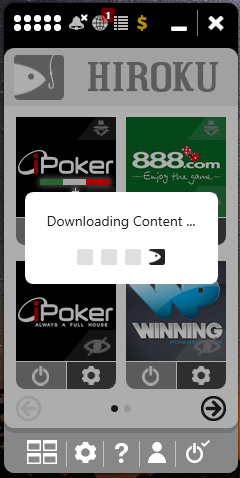
It is important to run this update before trying to connect Hiroku to a poker site.
Open Downloads Folder
Alternatively, you can go into the Plugins Folder and delete the content of it. Then reopening Hiroku will also trigger the update.
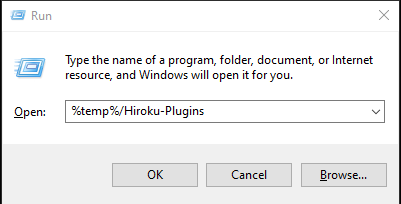
To open up the plugins folder, open a Run Window and write %temp%/Hiroku-Plugins then click ok.
Missing Files
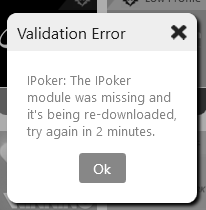
If you see the following error, it means that the script is missing necessary files from it’s installation. That generally happens because antivirus or file cleaners go ahead and delete files in the Temporary folder (folder mentioned above).
Use this guide to re-download them & make sure you turn off or configure your antivirus correctly.