Script Not Taking a Seat
If the script is not taking a seat on the table that should, follow the steps to get information to support:
- Make sure the table is on top of the monitor stack
- Make a screenshot if possible (gyazo is a great tool for this)
- Press Hotkey “Ctrl + H” (this will silently add some specific logs)
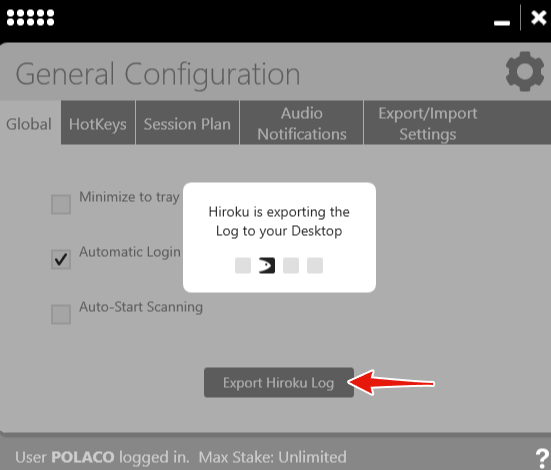
- Export Logs & send them to Support
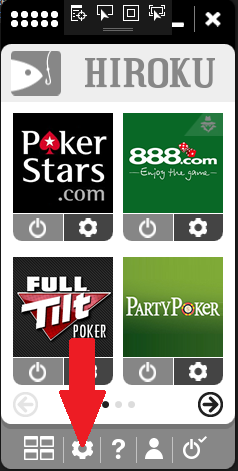
To Export Logs follow the next steps & they will appear on the Desktop.
Script Is Seating me With Regs
When you see a table without a target on the Playing Area (Green Slots) that you want to report:
- Take a screenshot of the table.
- Export Logs & send them to Support alongside the screenshot.
The screenshot MUST cover the table name, ideally the Hour:Minute when the seating occured, to discard a similar seating earlier in the session.
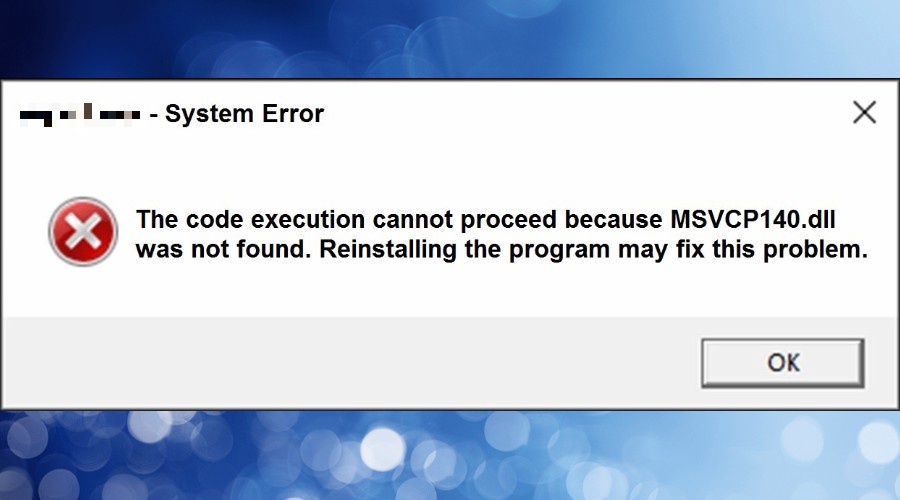
System Error
If you see the following error from Windows, it means you are missing a c++ Installation on your fresh windows.
To solve it, run the following c++ Installer Packages: